
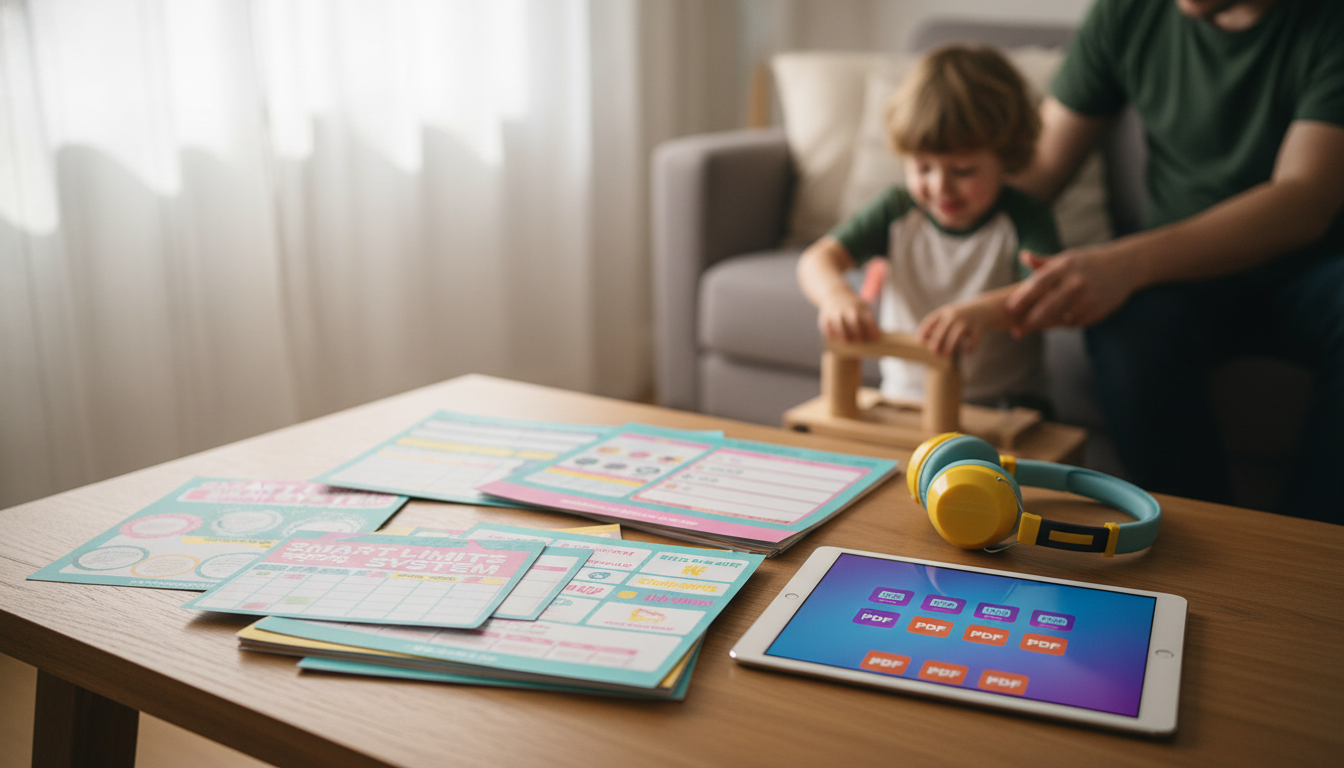
Screen time boundaries tend to break down when rules are unclear, consequences vary, or expectations change day to day. The Smart Limits System is built to turn “less screen time” into a routine that feels fair and repeatable: clear limits, a predictable process, and kid-friendly reminders that reduce negotiations and help the whole household stay consistent.
If you’re ready to stop making case-by-case decisions (and having the same argument on repeat), the Smart Limits System for Kids’ Screen Time – 10-in-1 Digital Download Bundle gives you a practical set of printables designed to bring structure to busy family life—without relying on constant monitoring or daily willpower.
Instead of asking kids to “just stop,” this approach builds a clear on-ramp and off-ramp: what needs to happen before screens, what healthy use looks like during screens, and what powering down looks like when time is up.
The bundle is a set of printable tools you can post in high-traffic areas (kitchen, homework station) so expectations are obvious. It also includes templates that help parents define rules once, then follow the same process daily—plus kid-facing trackers that emphasize positive habits like finishing responsibilities first, taking breaks, and shutting down on time.
You’ll also find options for different ages and maturity levels (simple visuals for younger kids; more autonomy tools for older kids).
| Tool in the bundle | Primary purpose | Best time to use it |
|---|---|---|
| Family screen rules sheet | Turns vague expectations into clear household agreements | During a family meeting; review weekly |
| Daily screen-time routine checklist | Builds a consistent order of tasks before screens | School days and weekends |
| Screen-time schedule template | Creates predictable screen windows to prevent constant asking | At the start of each week |
| Earned screen-time tracker | Links screens to responsibilities in a transparent way | After chores/homework are completed |
| Breaks & eye-rest reminders | Encourages healthier pacing and reduces binge sessions | During longer sessions |
| Device-free zones sign set | Protects meals, bedrooms, and homework spaces | Post once; reinforce daily |
| Consequences & reset plan | Keeps consequences consistent and calm | When rules are broken |
| Rewards & privilege menu | Shifts focus from punishment to earned trust | Weekly check-ins |
| Screen-time reflection sheet | Helps kids notice how screens affect mood, sleep, and focus | End of day or end of week |
| Family agreement signature page | Creates buy-in and reduces “I didn’t know” conflicts | After rules are finalized |
For families that want evidence-based guidance while building their own house rules, the American Academy of Pediatrics offers a helpful framework for planning boundaries and routines: AAP Family Media Plan.
For younger children, public health guidance often emphasizes balancing sedentary time with sleep and movement. The World Health Organization’s recommendations for children under 5 can be a useful reality check when screens start replacing play: WHO guidelines on activity, sedentary behavior, and sleep.
It can also help to align your plan with broader child-health basics—sleep, movement, and routines. The CDC offers general information for families who are working on healthier screen habits: CDC.
The best limit depends on age, sleep needs, school responsibilities, and the type of content, but many families do best with clear daily windows and device-free zones rather than chasing a perfect number. Protecting sleep, prioritizing homework/chores first, and keeping routines consistent often matters as much as total minutes.
Guidance often focuses on balance because screens can displace sleep, physical activity, and face-to-face interaction, and some content can be overstimulating or inappropriate. The goal isn’t “never screens,” but age-appropriate use, healthy boundaries, and routines that support development.












Leave a comment