
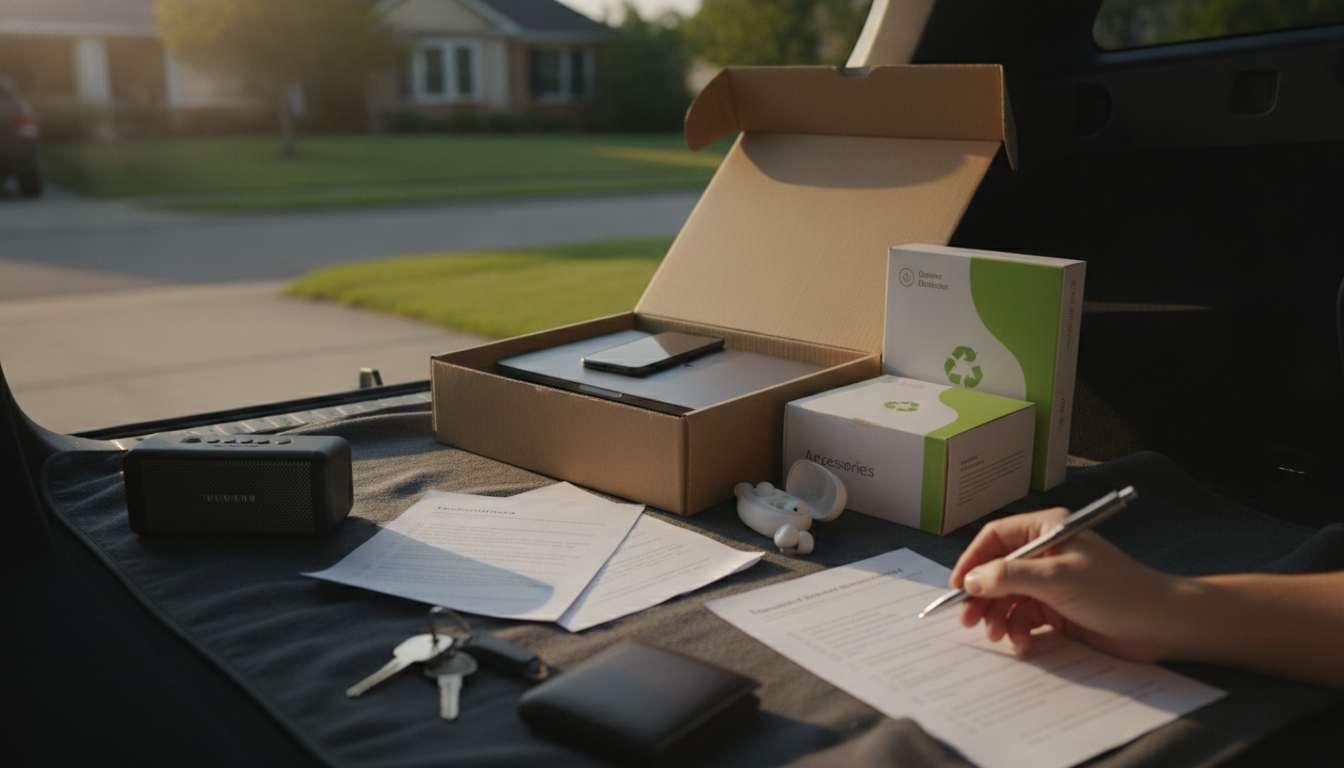
Refurbished tech can be a smart buy, but only if the seller can clearly explain what was fixed, how it was tested, and what happens if something goes wrong after delivery. Before checkout, use the questions below to confirm condition, authenticity, warranty coverage, and return terms—then compare those answers against the listing details and photos.
Ask whether the item was refurbished by the manufacturer, an authorized service center, or a third-party shop. Then request a brief summary of what was done (inspection only vs. parts replaced), since “refurbished” can range from light cleaning to major repairs.
Request specifics: battery, screen, ports, buttons, cameras, speakers, or motherboard. If parts were replaced, ask whether they’re OEM (original) or third-party, and whether that affects features like water resistance or biometric sensors.
Have the seller confirm functional tests: charging and battery health, Wi‑Fi/Bluetooth, microphones/speakers, cameras, touchscreen/keyboard, and ports. For phones and tablets, ask if diagnostics or battery health percentages are available.
Confirm it’s not tied to a previous owner’s iCloud/Google/Samsung account and that it will activate normally. For cellular devices, ask if it’s carrier unlocked and whether the IMEI/ESN is clean.
Ask for the exact grade (if used) and what that looks like in real terms: scratches, dents, dead pixels, backlight bleed, worn keys, or scuffs. If possible, request clarification on whether photos show the actual unit or a stock example.
Verify accessories: charger/wattage, cable type, original box, stylus, keyboard, SIM tool, and manuals. Also ask whether the charger is OEM or certified compatible.
Get the warranty length, what it covers (parts/labor/battery), and who handles claims. Confirm the return window, restocking fees, and whether returns are accepted for “buyer’s remorse” or only defects.
For a deeper checklist of questions, quick tests to run on delivery, and verification steps, see this refurbished gadget checklist guide.
Inspect the condition, confirm all included accessories, and test charging, battery health, ports, cameras, speakers, and connectivity right away. Also verify activation/unlock status and run any built-in diagnostics within the return window.












Leave a comment