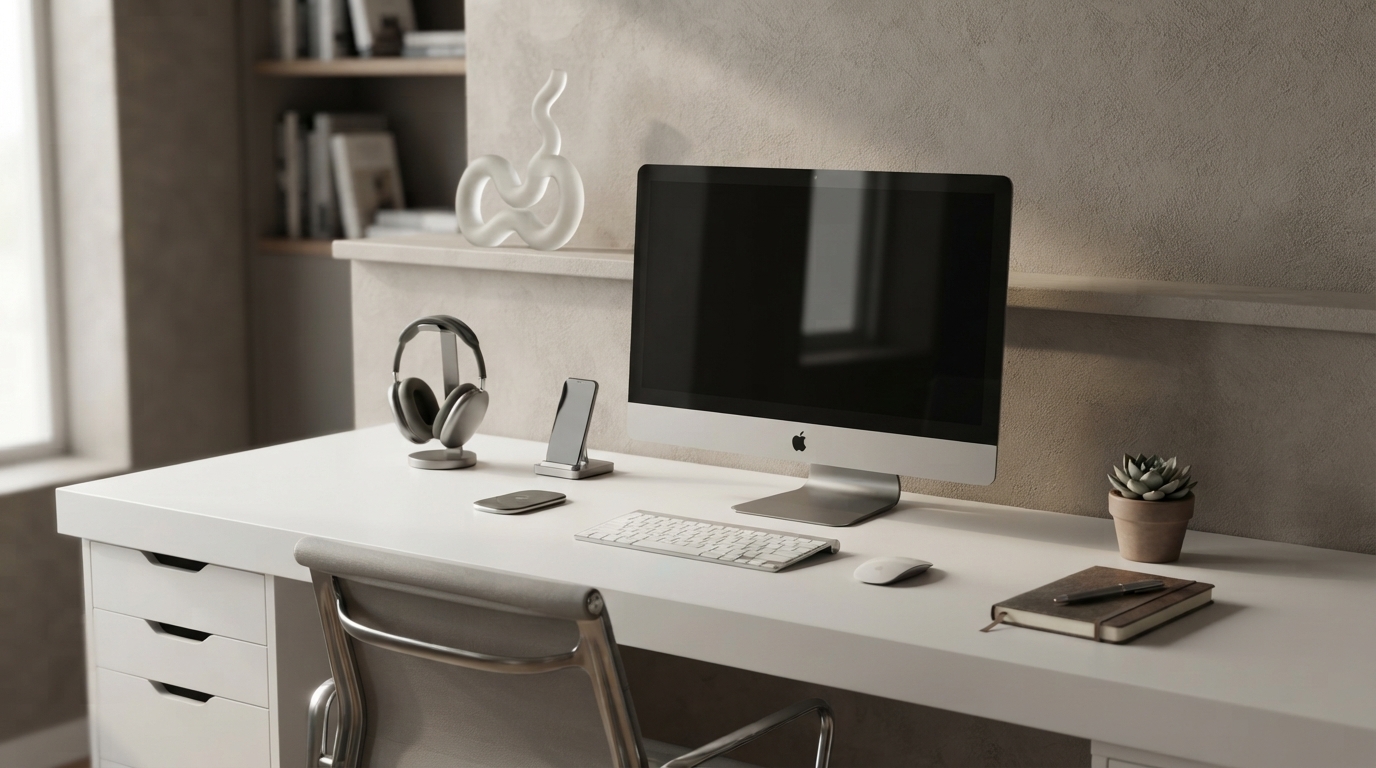
A well-chosen set of smart home office gadgets can reduce friction, protect focus, and make remote work feel more consistent day to day. Use this checklist to identify the upgrades that solve common bottlenecks—audio clarity, posture comfort, lighting, distraction control, connectivity, and time management—without overbuying gadgets that add complexity.
Before adding anything to your desk, identify where minutes leak out of your day. The best “productivity gadgets” aren’t the flashiest—they’re the ones that prevent repeat interruptions and reduce end-of-day fatigue.
If ergonomics is a major bottleneck, it helps to use a reputable baseline for setup basics like screen height and neutral posture. OSHA’s Computer Workstations eTool is a useful reference for aligning your chair, desk, keyboard, and monitor.
Focus tools work best when they reduce unpredictable interruptions—noise, visual distractions, and the “just one more notification” loop.
If interruptions are the main issue, pair a focus gadget with a simple rule: one clearly defined “deep work” window, and communication checks at set times. Practical guidance on protecting attention can be found in Harvard Business Review’s time management and interruption coverage: Advice on managing attention and interruptions at work.
Remote work often turns small communication flaws into repeated clarifications. A few targeted upgrades can reduce meeting fatigue and prevent rework.
Quick self-check: record a 20-second clip in your usual meeting spot, then listen for “roomy” echo, keyboard clatter, and distance. If you sound far away, the microphone is usually the first fix.
Comfort is not a luxury in remote work—it’s how you protect focus. When your neck, shoulders, wrists, or lower back start protesting, attention and speed drop.
For a general ergonomics baseline beyond desk work, NIOSH provides broad guidance that reinforces a key theme: reduce strain by keeping neutral positions and avoiding sustained awkward postures (NIOSH ergonomic guidelines).
| Goal | Gadget Options | Best For | What to Check Before Buying |
|---|---|---|---|
| Stay focused in noise | Noise-canceling headphones; noise-masking device | Shared spaces, city noise | Comfort for long wear; mic quality; battery life |
| Clearer meetings | USB mic; headset with hardware mute; webcam | Frequent calls, client work | Mute control; background noise handling; stable mounting |
| Less neck/shoulder strain | Laptop stand; monitor arm; ergonomic mouse/keyboard | All-day desk work | Screen height range; wrist angle; desk space |
| Reduce eye strain | Adjustable desk lamp; monitor light bar; key light | Evening work, video calls | Brightness control; glare; color temperature |
| Faster setup and fewer disconnects | USB‑C dock; powered USB hub; cable organizers | Laptop commuters, multi-device setups | Port needs; power delivery; desk layout |
| More reliable work sessions | Mesh Wi‑Fi; Ethernet adapter; UPS | Unstable internet/power | Router compatibility; UPS wattage; runtime |
Start with one friction point that happens daily: clearer audio (headset or USB mic), one-cable docking, or better task lighting. These reduce repeated interruptions and shorten the time it takes to settle into work.
They’re most valuable when your environment has variable background noise, like roommates, family activity, or street sounds. If your space is already quiet, the benefit may be smaller, so prioritize comfort, microphone quality, and long-session wearability.
Use a laptop stand or riser to bring the screen closer to eye level, plus an external keyboard and mouse, and adjust chair/desk height for neutral wrists and relaxed shoulders. Add short movement breaks to reduce stiffness across long sessions.






Leave a comment